YouTube
Creator
A YouTube edit: a cold open on your best line, the title card, your name, chapters as they begin, b-roll between.
- Length
- About 60 seconds, follows your footage
- Shapes
- Landscape 16:9
- You bring
- Your talking footage and any b-roll. The assistant finds the cold open and the chapters.
What goes in it
The assistant fills these from what you give it. You can write any of them yourself, or change them after on the timeline.
- MomentsYour footage (up to 40). The video in order: first the cold open (the most gripping line, 4 to 10 s), then the talk with b-roll moments where they show what's said.
- TitleA line of text. The video's title, as on YouTube (I tried every note app for a month).
- Who you areoptionalA line of text. A few words under your name the first time you're on camera (Designer, writes about tools).
- ChaptersoptionalA few short lines (up to 8). Each chapter as the number of the moment it starts at, then its title (3 The setup).
- Talking momentsoptionalA line of text. The numbers of the moments where you're talking to camera, the rest being b-roll (1, 2, 4).
- MusicoptionalA track (or one from the library). A quiet bed under it, if you want one.
The look: Instrument Sans throughout, a dark title card, a name and chapter titles set plainly, gentle punch-ins.
How it works
Open it
Use this template starts a new project with the request already written in the assistant.Add your files
Your talking footage and any b-roll. The assistant finds the cold open and the chapters.Send
The assistant picks the moments, writes the words, and lays the whole edit on the timeline. It takes a minute or two.Change anything
Every clip, word and color is a normal item on the timeline. Ask for changes, or drag things yourself, then export.
More templates
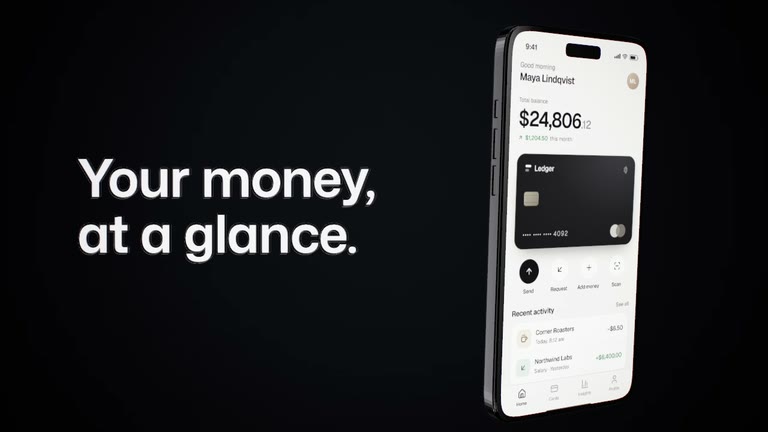
Midnight
Your phone app in the dark, shot close and never still: edge-on glides in shallow focus, phones staggered in depth, large lines beside the turning phone.
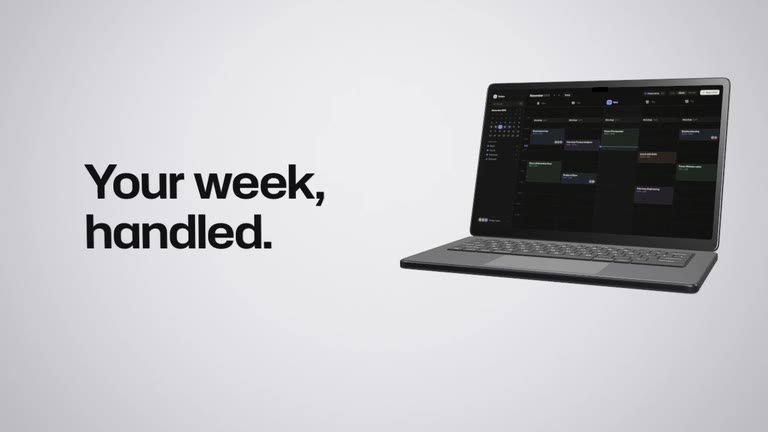
Studio
Your desktop app on a space-black laptop in a pale grey studio: the lid opening as the camera cranes up, low glides across the screen, screens hanging in depth, large lines beside the turning laptop.
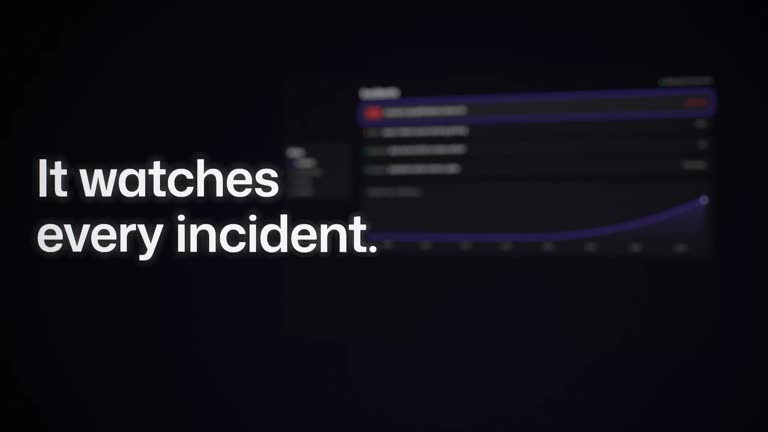
Obsidian
Your desktop app in the dark, lit by its own screen and a low glow of your color: the lid opening as the camera draws back, long-lens skims across the screen in a sliver of focus, screens falling past the lens in a column, large lines in the dark.
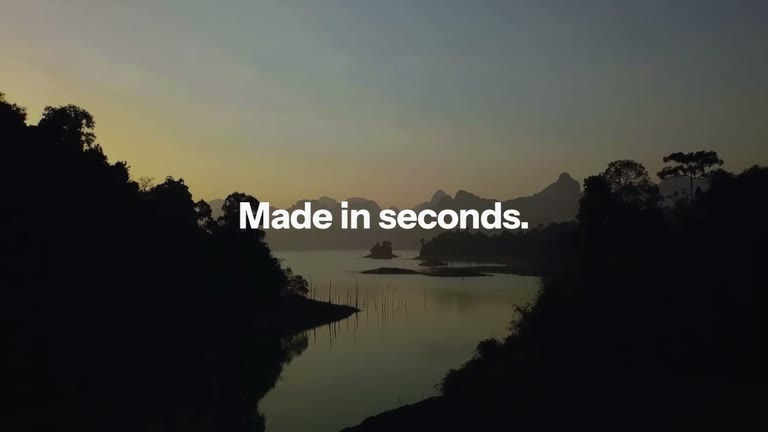
Prompt
An AI launch told by what it makes: results flashing behind the name, a ring of light becoming the prompt bar, the answer growing to fill the frame, a wheel of results.
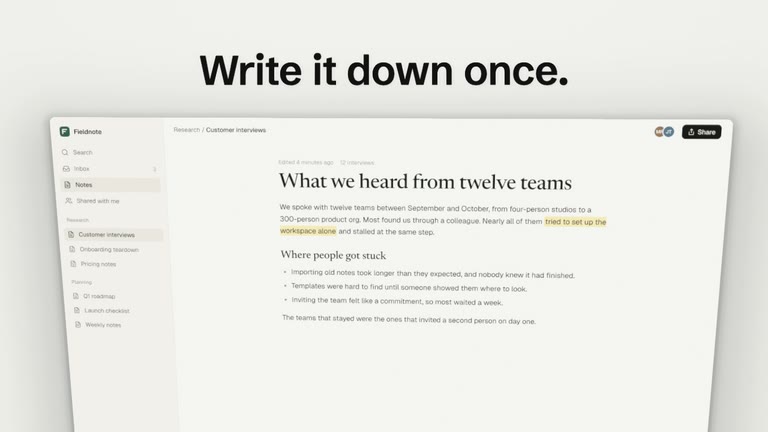
Paper
A launch told in words on paper-white: the problem built line by line, one word highlighted, each feature set large as its screen rises and the camera pushes in to where it happens, a laptop opening at the end.
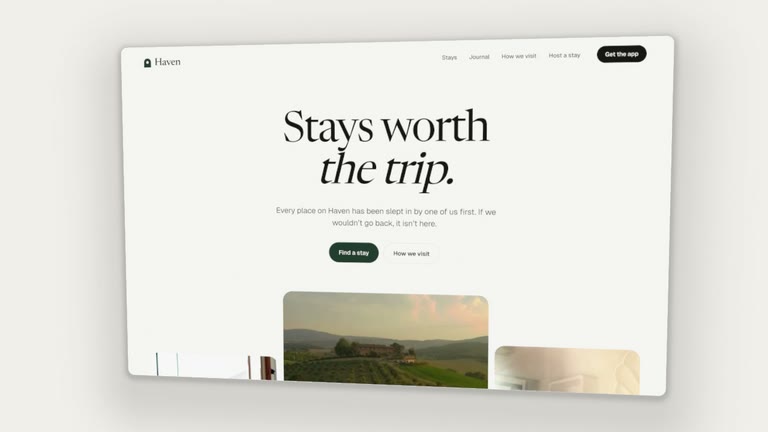
Spectrum
A launch in your brand's color: a word rolling through who it's for, screens flipping and stacking, a photo of your world shrinking beside its line, a word opening onto your world, the color flooding the frame.