Reels and TikToks
Hook
Talking to camera: the best line first under a headline, punch-in jump cuts, big captions word by word.
- Length
- About 30 seconds, follows your footage
- Shapes
- Vertical 9:16
- You bring
- A video of you talking to the camera. The assistant picks the moments.
What goes in it
The assistant fills these from what you give it. You can write any of them yourself, or change them after on the timeline.
- MomentsYour footage (up to 16). The moments of the talk in order, the strongest line first (the hook), each a whole thought with no dead air or retakes.
- HeadlineA line of text. What the video promises, shown over the first moment (The one habit that fixed my mornings).
- MusicoptionalA track (or one from the library). A quiet bed under the voice, if you want one.
The look: full-bleed face, heavy Montserrat captions with the spoken word in your color, the headline up top, a progress bar.
How it works
Open it
Use this template starts a new project with the request already written in the assistant.Add your files
A video of you talking to the camera. The assistant picks the moments.Send
The assistant picks the moments, writes the words, and lays the whole edit on the timeline. It takes a minute or two.Change anything
Every clip, word and color is a normal item on the timeline. Ask for changes, or drag things yourself, then export.
More reels and tiktoks
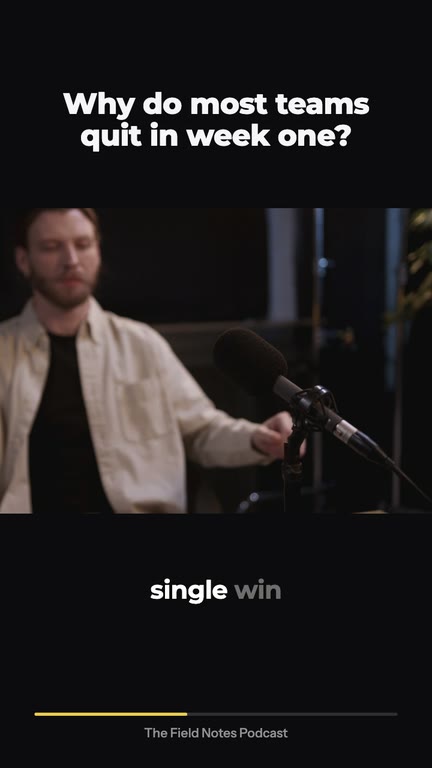
Podcast Clip
A wide podcast recording made vertical: the question above, the speakers in a band, the words lighting up below.
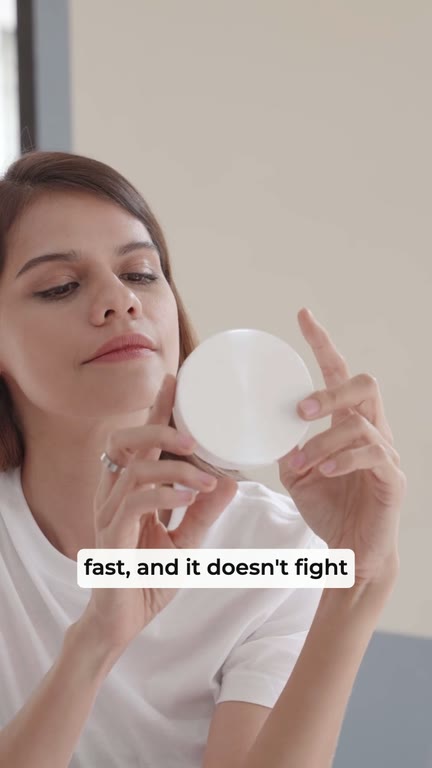
Product Review
A creator-style ad: someone talking about your product, cut tight, a rating card, and what to do at the end.
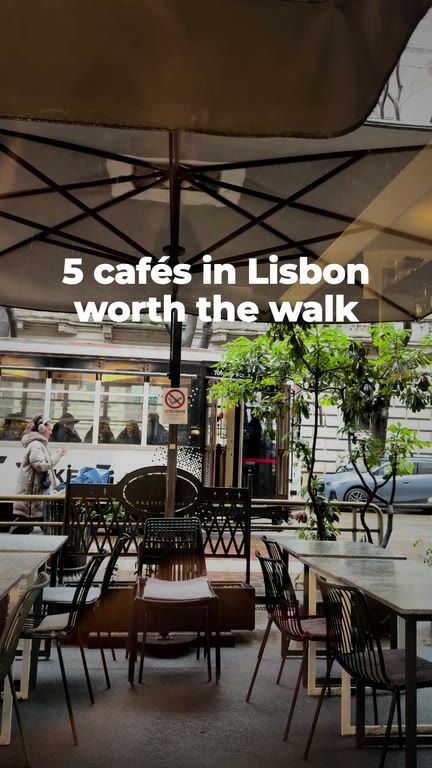
Ranked
A countdown list: the promise first, then each pick from last place to first with a big numeral and its name.
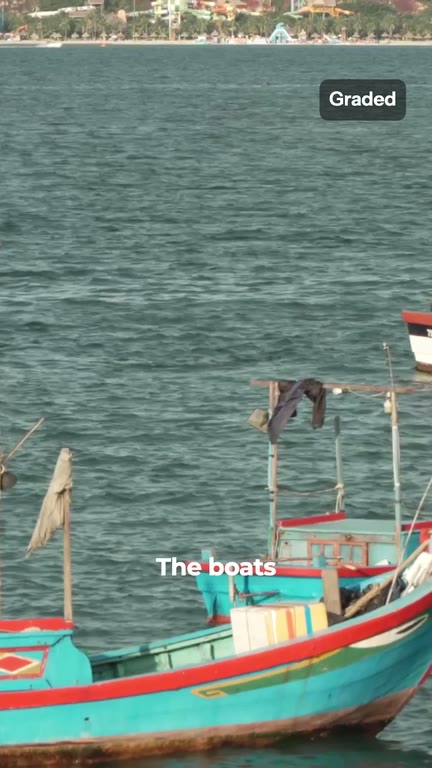
Before & After
Each before held, then the after wiping across it behind a white line: a makeover, a renovation, a grade.
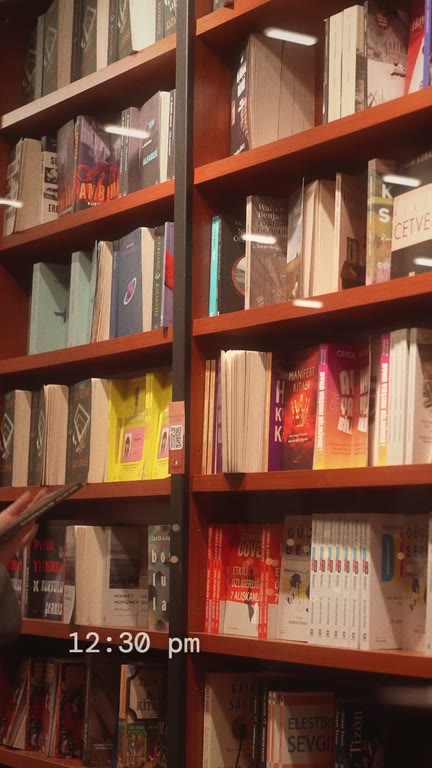
Day in the Life
Your day in short shots landing on the beat, each stamped with its time, a soft serif title, warm and filmic.
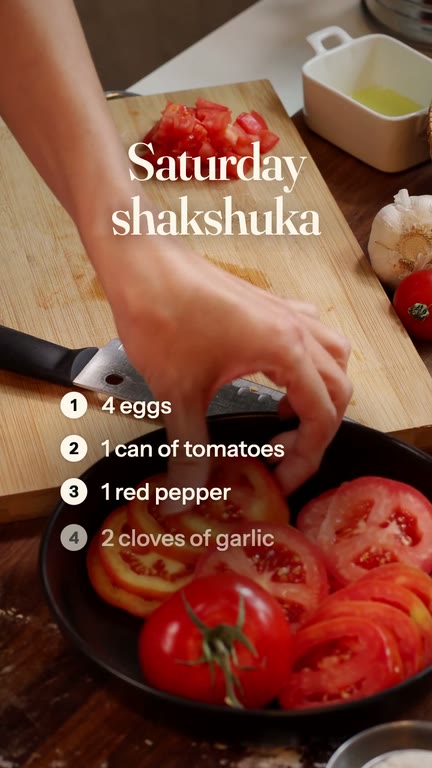
Recipe
A dish in a minute: its name in a warm serif, what goes in it, then each step numbered and cut on the music.