Films and stories
Event Recap
An event in under a minute: the name over the first shots, quick cuts on the beat, speakers named, the number that says how big it was.
- Length
- About 30 seconds, follows your footage
- Shapes
- Landscape 16:9, Vertical 9:16
- You bring
- Footage from the event (the room, the crowd, the speakers, the details) and a song with energy.
What goes in it
The assistant fills these from what you give it. You can write any of them yourself, or change them after on the timeline.
- MomentsYour footage (up to 24). Ten to twenty moments in the event's order: the place, arrivals, the crowd, speakers, the peak.
- EventA line of text. The event's name (Field Day 2026).
- Date and placeA line of text. When and where (Oct 3 · Lisbon).
- Closing figureA line of text. The number that says how big it was, with what it counts (1,200 people in the room).
- See youA line of text. The last line (See you next year.).
- SongA track (or one from the library). A song with drive.
- SpeakersoptionalA few short lines (up to 24). For each moment in order, the speaker's name and role if it shows someone on stage (Ana Ruiz, Kestrel), or empty.
The look: punchy contrast, the event's name in bold Instrument Sans, quick beat cuts, a big closing figure.
How it works
Open it
Use this template starts a new project with the request already written in the assistant.Add your files
Footage from the event (the room, the crowd, the speakers, the details) and a song with energy.Send
The assistant picks the moments, writes the words, and lays the whole edit on the timeline. It takes a minute or two.Change anything
Every clip, word and color is a normal item on the timeline. Ask for changes, or drag things yourself, then export.
More films and stories
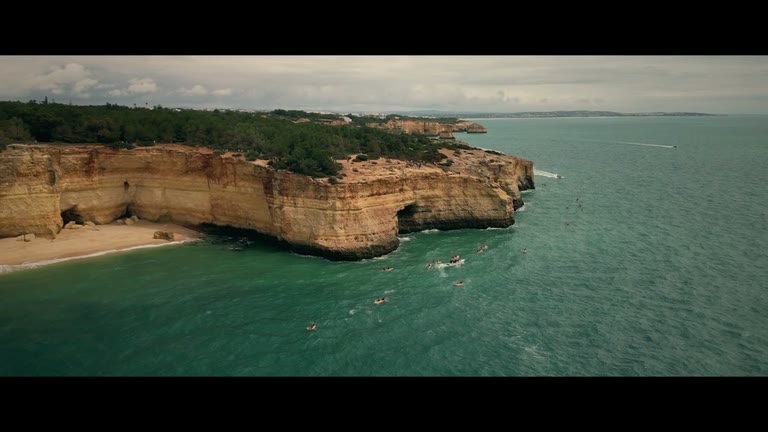
Cinematic
A place filmed like a film: letterboxed, graded teal and amber, slow shots changing on the music's bars.
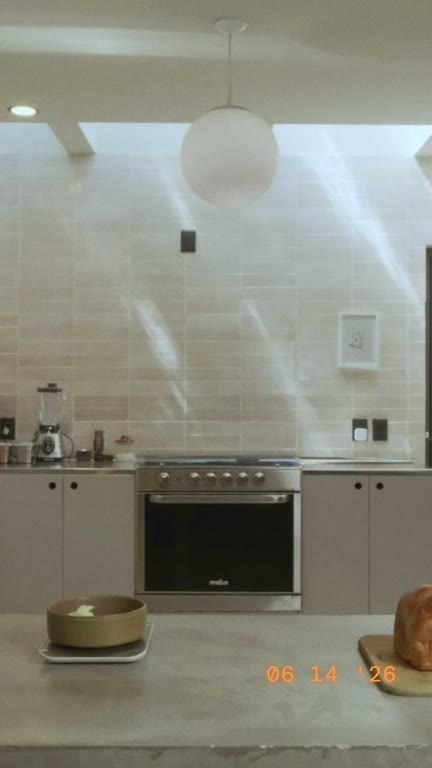
Photo Dump
Your camera roll cut to a song: each photo on the beat, a few in quick bursts, a film date stamp in the corner.
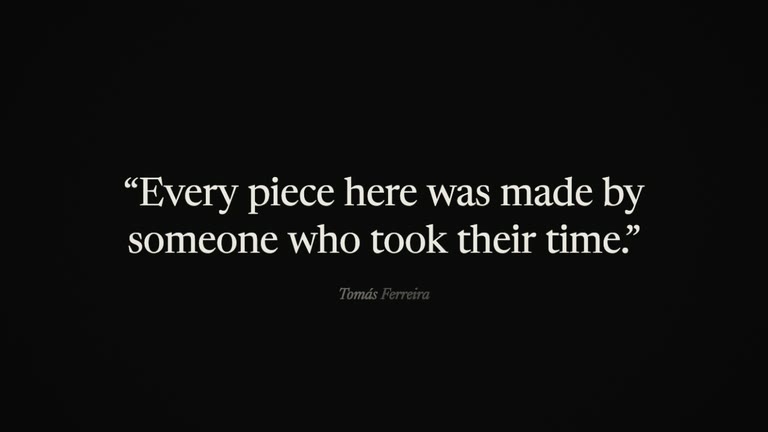
Documentary
An interview told like a short documentary: muted 2:1 picture, serif titles, one line of theirs set alone on black.
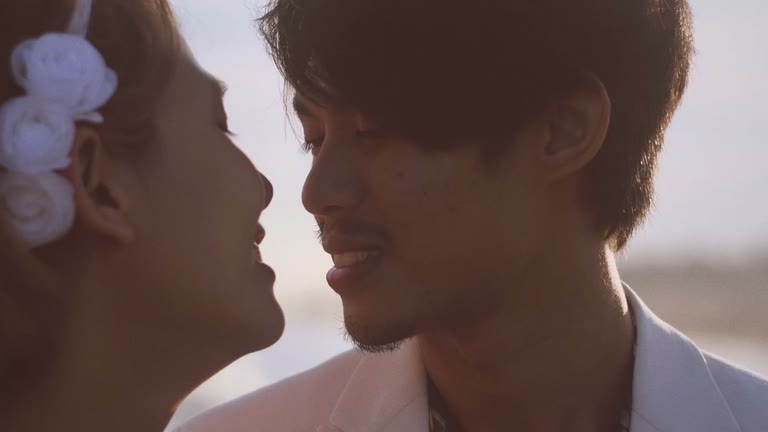
Vows
A wedding or celebration film: soft and warm, long dissolves, the names in a fine serif with the date under them.
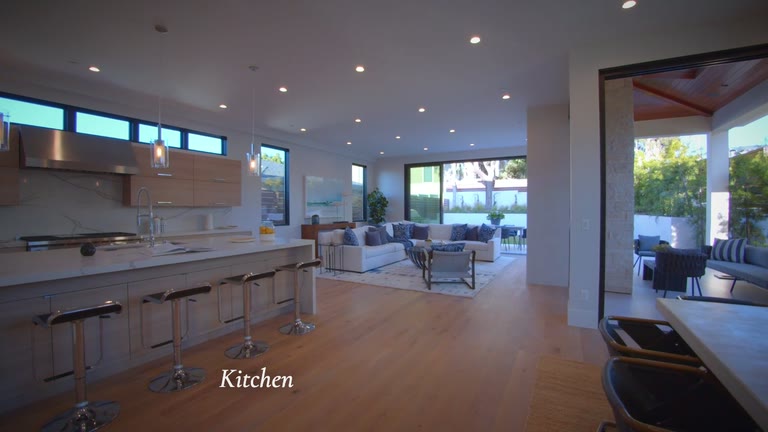
Listing
A home or a space shown room by room: slow glides, each room named, the address first and the price at the end.