Type and logo
Save the Date
An announcement set like engraved stationery: the names, the date, the place, and their initials in a ring.
- Length
- About 12 seconds
- Shapes
- Vertical 9:16, Square 1:1, Landscape 16:9
- You bring
- The two names, the date and the place, and a photo of the two of you if you like.
What goes in it
The assistant fills these from what you give it. You can write any of them yourself, or change them after on the timeline.
- NamesA few short lines (up to 2). The two first names (Lena, Marco).
- DateA line of text. The date as it should read (14 June 2026).
- PlaceA line of text. Where (Sintra, Portugal).
- PhotooptionalA photo. A photo of the two of you, set dimmed behind the names.
- Last lineoptionalA line of text. The closing words (Invitation to follow).
- Paper coloroptionalA line of text. The paper as #RRGGBB (warm ivory by default).
The look: warm paper or your own photo, Cormorant set large, the ampersand and the details in italic, a fine ring around the initials.
How it works
Open it
Use this template starts a new project with the request already written in the assistant.Add your files
The two names, the date and the place, and a photo of the two of you if you like.Send
The assistant picks the moments, writes the words, and lays the whole edit on the timeline. It takes a minute or two.Change anything
Every clip, word and color is a normal item on the timeline. Ask for changes, or drag things yourself, then export.
More type and logo
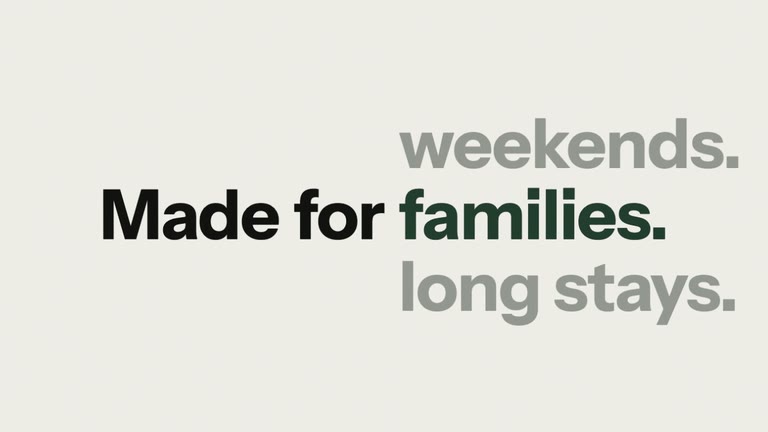
Manifesto
Your brand said in type alone, each line with its own move: rolling words, a marked word, one word too big for the frame.
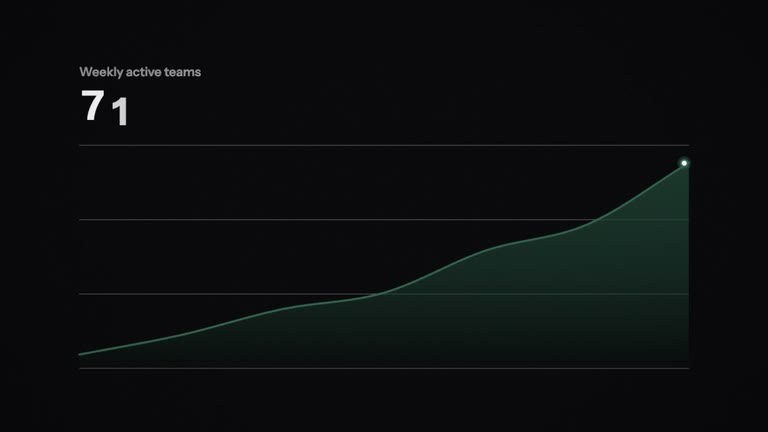
By the Numbers
A year, a raise or a launch in figures: each number counting up on its own beat, a chart drawing itself.
Countdown
The seconds before a launch: each number filling the frame on its own beat, then the line and your name.
Signature
A five-second logo reveal: the mark settles, the name opens out from behind it, one glint of light.